
Turn screening results into actionable priorities
Identify your best donor prospects faster, across every screening project, with iWave Profiles.

Identify your best donor prospects faster, across every screening project, with iWave Profiles.
As fundraising teams screen multiple prospect lists–from new parents to upcoming event attendees to reunion sign-ups– they often get lost in the maze of data across screening projects. Stitching together multiple spreadsheets or manually tracking top prospects makes it difficult to answer simple but critical questions:


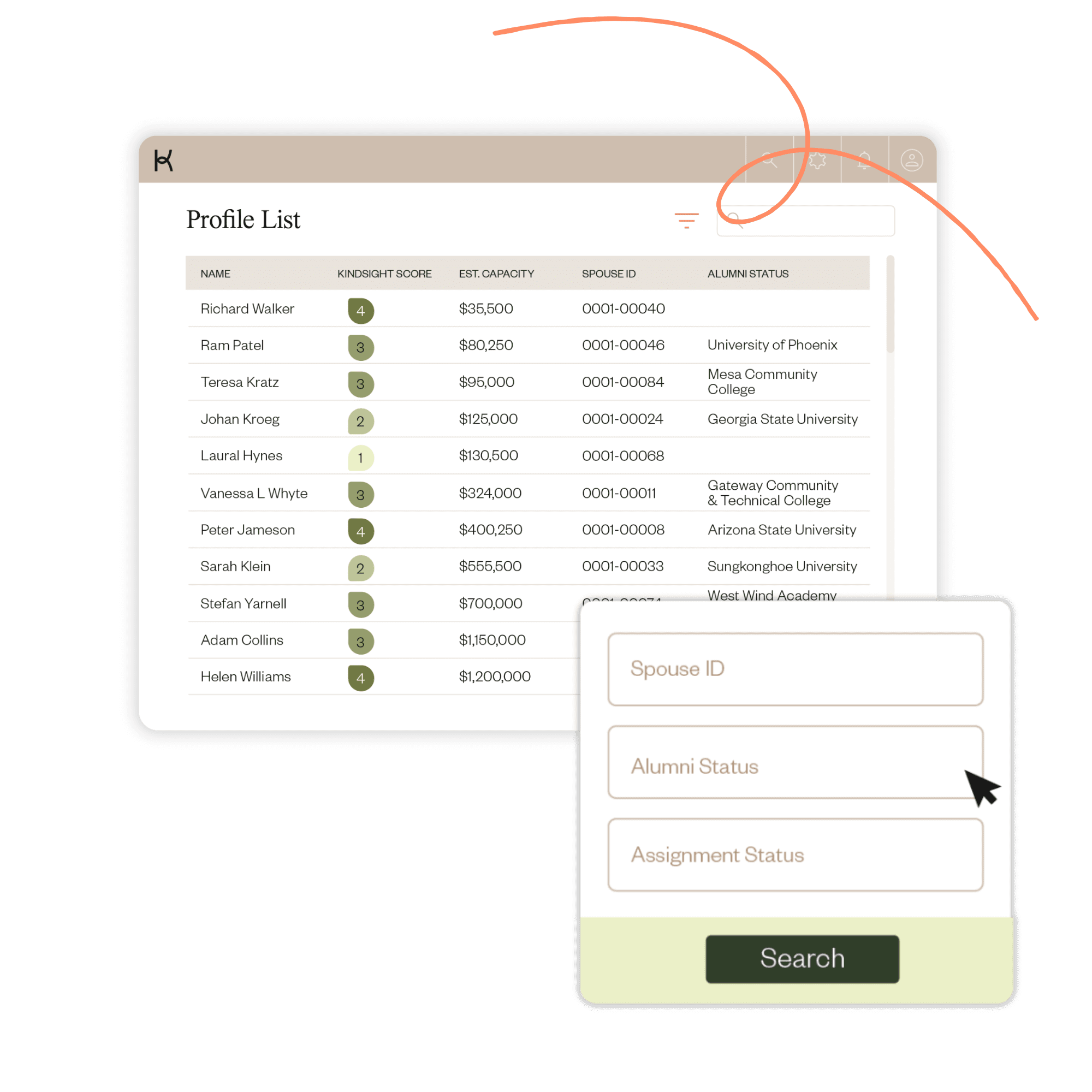
Get the answers you need with enhanced screening query capabilities, all directly within the iWave platform. Run queries across multiple screening projects, and get deeper insights with an expanded list of screening variables. A unified view makes it easier to sort, filter, and prioritize prospects across all your screening projects.

Run screening projects and look up individual prospects the same way you do today.

Select prospects from screening projects and promote them to Profiles to unlock cross-project views and view searches all in one place.

Use the Profiles view to filter, sort, and review all screened prospects together.
Profiles become even more powerful when you include additional data fields during screening. You can now optionally include:

Instantly see whether a prospect is already assigned to a portfolio; no exports, no VLOOKUPs.

Segment your prospect pool by tagging single and dual alumni prospects and households.

Connect household relationships when screening both spouses separately.

Get started with iWave today.
Book an iWave demo