

Share Article:


Fundraising automation takes repetitive work off your team’s plate so they can spend more time with donors. This guide covers what it is, its benefits and challenges, 17 tasks you can automate, and best practices for getting started.
What is fundraising automation?
Fundraising automation is the use of technology to handle a task that’s typically time-consuming and manual. For example, you can schedule thank-you emails to be sent straight after a new donation is received, instead of asking someone to manually review the list, write an email, and send it.
Automating manual data entry tasks, fundraising processes, and workflows allows your team to focus their attention on items that need human intervention—like calling major donors or working on fundraising strategy.
Benefits of fundraising automation
Alongside making the most of fundraising team members’ time, automation introduces many other benefits for nonprofits. When it’s done well, fundraising automation can save time, increase revenue, and create better donor experiences.
Automation enables fundraising teams to:
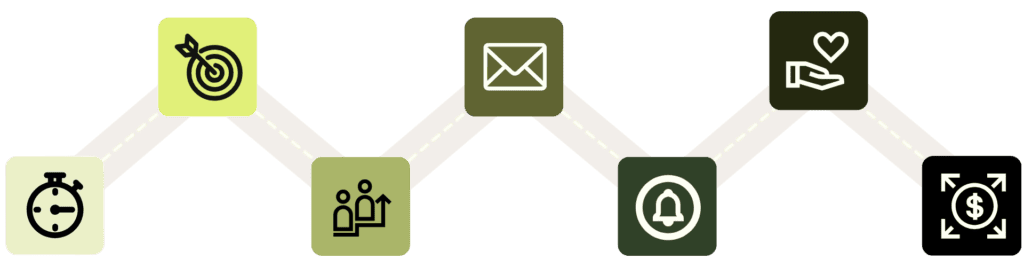
- Save time and work smarter by removing manual tasks
- Improve accuracy and consistency
- Prioritize which prospects to reach out to first
- Support donor retention with timely personalized messages
- Remember donor milestones with reminders and alerts
- Improve the donor experience
- Work more effectively as a team
Fundraising automation picks up the manual admin, repetitive tasks, and data processing and gives your team valuable insights into donor history and milestones that you can use to create more personalized, impactful moments.
17 fundraising tasks you can automate
It’s wise to start with a handful of automations and grow from there. Here are some of the most popular ways to use fundraising automation.
1. Donor prospecting
Prospecting can feel like a human-heavy task. While the final outreach steps should be led by your most relevant team member, prospect research automation can help with the initial segmentation and selection according to your chosen priorities.
Automation idea: Use your donor prospecting tool to surface a list of people to follow up with and assign them to team members based on pre-existing personal connections or location proximity.
- Screening Agent: With Kindsight Intelligence (KI) for iWave, you can set up a campaign-specific screening in under a minute, then get the results as a ranked list of who to reach out to first and why.
- Scoring: Use capacity and affinity scores to prioritize your list. Because iWave shows how each score is calculated, you can check the data before anyone makes the call.
2. Prospect summaries
Screening results only help if a gift officer can quickly make sense of them. Writing up each prospect by hand takes time, and it’s a step AI can take on.
Automation idea: Use the Prospect Summary feature in KI for iWave to turn a prospect’s screening and profile data into a clear written narrative in seconds, so what reaches your gift officer is a briefing, not a research assignment. A researcher can review it before it’s shared.
3. Adding new supporters to a call list
Call lists are a great way to make sure new supporters feel welcome, but building and updating them manually is time consuming. Simplify the process with an automation that adds the right people as soon as they give or sign up.
Automation idea: Create a rule that adds first-time donors to a call list when their gift is received and assigns each one to one of your fundraisers, so every new donor gets a personal thank-you call.
4. Donor segmentation
The best donor communications are the ones that feel personal and relevant, which is why donor segmentation is essential. Instead of filtering through donor records and building your own list, have your CRM do it for you.
Automation idea: Create donor lists that update automatically based on donor behavior and giving history, such as recurring donors, lapsed donors, or supporters who attended your last event, so you can send more effective direct mail appeals and emails.
5. Email responses
Donors expect to receive a welcome email when they sign up and a thank you email when they give, and if you’re operating at scale, the only way to do this is with automation. Look for touchpoints where a simple personalized email works, then create a process to send them automatically.
Automation idea: Build a workflow that automatically sends an email 5 minutes after a donation is received, personalized with the donor’s name and amount given. Add a second workflow that sends a welcome email as soon as someone completes your signup form.
6. Email newsletters
Most nonprofits use fundraising automation for sending email newsletters, as it’s impossible to send communications at scale individually. Create a template, add your newsletter content, send a test email, and schedule your newsletter for a set date and time in the future. Use reminders to keep your publishing schedule on track.
Automation idea: Schedule email newsletters to be sent at the most relevant time for your donors, based on the analytics shown in your email marketing software.
7. Personalized updates
Donors love to know how the money they contributed is being used, and personalized updates are an ideal way to share that information. Automation lets you send each update as soon as there’s news to share, and only to the donors who funded that project.
Automation idea: Create a custom segment of supporters who donated to one of your recent fundraising campaigns and build a workflow that automatically sends them a progress update every six months or whenever you reach a project milestone.
8. Donor relationships and stewardship reminders
Acknowledging key milestones is a great way to strengthen donor relationships, and automation can remind you about when those special moments are coming up so you can send the right message at the right time.
Automation idea: Create a reminder that alerts you 5 days before a donor’s major gift anniversary, so you can prepare a thank-you message. Or trigger a workflow to automate that step too: you could have KI Personalized Donor Outreach in Ascend draft the stewardship message in your organization’s voice, so you review and personalize it instead of starting from a blank page.
9. Donor engagement follow-ups
Relying on memory to know when to check in with donors is unpredictable, but technology can give you a consistent way to handle donor follow-ups. Use automation to remind you when to get in touch and what to say when you do.
Automation idea: Build a workflow that sends relevant information to a donor by email after they attend an event or make a pledge, then alerts you when it’s time to follow up personally.
10. Donor data collection
Live fundraisers and auctions can introduce you to new donors and supporters, but they can also create a backlog of admin if you need to manually enter contact information, pledges, or winning bids. Let technology handle the data collection as much as possible to speed up the process and improve accuracy.
Automation idea: Sell tickets for your fundraiser online using an event registration form that automatically pulls the data through to a fundraising CRM like Ascend.
11. Donation tracking, processing, and receipts
Keeping track of every donation and interaction by hand is difficult, and only gets harder as your supporter base grows. Automation simplifies the process for fundraising professionals and gift officers, and ensures that every donation is properly recorded, receipted, and processed.
Automation idea: Use fundraising software like Kindsight Connect that automatically tags donations as they come in, so you can see who they were given by, when, and by what method, and offers donor a self serve option to download their donation receipts.
12. Database management and donor information updates
Donors move house, update their phone number, or change their name, and you need a system that handles those updates effortlessly. Automation helps in several ways, whether that’s capturing changes in one action instead of a manual request with multiple steps, flagging duplicate records, or notifying you when key donor data is missing from a record.
Automation ideas:
- Missing data and duplicates: Set a rule that flags records missing an email address or phone number and then have iWave Data Appends correct the addresses and add missing contact details to the records you already have.
- Self-service updates: Add a simple form to your donor portal that lets donors update their own contact details, so they never miss an email, call, or letter.
- Always up-to-date profiles: Live Profiles keeps donor profiles up to date and alerts you when a donor’s capacity or philanthropic activity changes.
13. Deadline tracking and behind-the-scenes workflows
Fundraising professionals often have several projects on the go, and keeping up with deadlines can prove challenging if you don’t have the right processes and reminders in place. Fundraising automation can also improve behind-the-scenes processes: look for ways to simplify workflows or remove manual steps to improve fundraising efficiency, accuracy, and transparency across the organization.
Automation idea: Send a dashboard or email alert to team members when a key task is due within 7 days.
14. Regional travel planning
Planning a trip around donor visits means weighing who to see, where, and when. It’s a lot of juggling for a task that follows a pattern.
Automation idea: Ask the KI Trip Planning Agent in Ascend to plan a gift officer’s regional travel. It stack-ranks who to see, where, when, and what to ask, and you decide what makes the final itinerary.
15. Donor meeting prep
Walking into a donor conversation without the full picture can damage relationships, and pulling that picture together by hand takes time. AI can do the first pass so you can focus on what to say.
Automation idea: Use KI Briefings in Ascend to prepare for a donor meeting, event, or gift conversation. It pulls together giving history, past involvement, and key relationships in minutes, so you can review it and add your own context before you walk in.
16. Note-taking in meetings
AI note-taking automation tools allow team members to fully take part in meetings and discussions, without worrying about accurately capturing what was said. Use technology to automatically record the meeting or create notes that you can use for future reference.
Automation idea: Build a workflow that captures meeting action items, then turns them into tasks assigned to the right team member.
17. Contact reports
Writing up a contact report after every donor visit takes time, and it’s easy to put off.
Automation idea: If you use Ascend, KI Advanced Contact Reports can turn a voice memo or rough notes from a donor visit into a clear, CRM-ready contact report with action items and follow-ups.
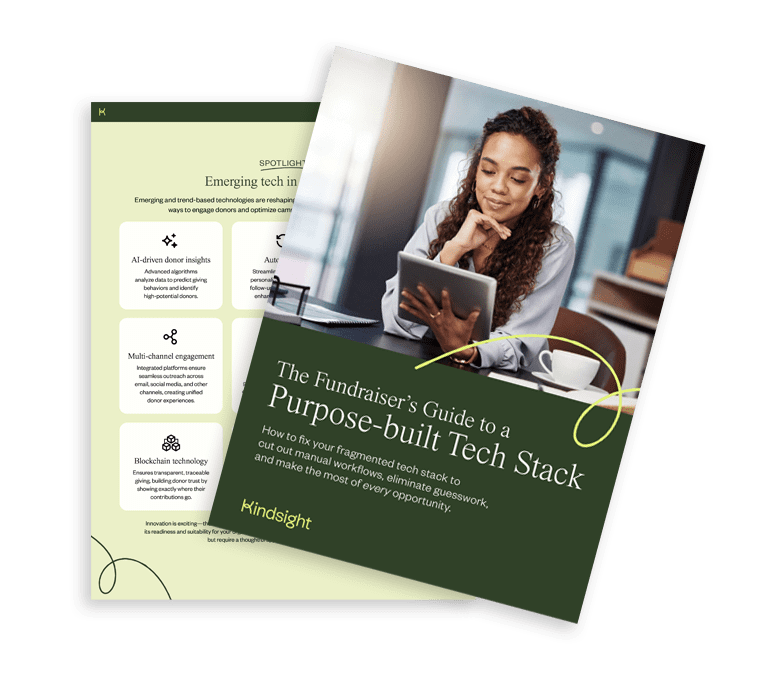
Build the right tech stack for fundraising automation
Automation works best when your tools share data. Our guide shows you how to audit what you have and choose tools that fit your goals.
Fundraising automation challenges and solutions
Introducing AI and automation doesn’t come without challenges—especially if not everyone in the organization is excited about change. Here’s how to handle some common objections and challenges, along with how to solve them.
| Challenge | Solutions |
| Poor quality or missing data | Audit and clean your donor data before you start building workflows |
| Lack of direction or prioritization | Agree on a priority plan for what to automate and when |
| No access to the right automation tools or technologies | Research which tools you need, test different options, and make a final decision on what to buy |
| Unclear workflows or processes | Map out processes first, so you can decide which elements to automate and how |
| Lack of willingness from senior leadership | Explain the benefits of fundraising automation, show how other organizations are using it, and caution the risks of not adopting technology |
| Fear of change from fundraising team members | Highlight all the ways the new technology will save them time and remove frustration |
| Public perception of automation and AI | Be transparent about how you use AI and other technology, and keep the human element where it matters most |
Fundraising tools with automation and artificial intelligence technology
Most tools for nonprofits come with elements of automation and AI baked in, rather than offering automation as a standalone platform or integration. CRMs for nonprofits, fundraising platforms, and prospect research tools are just some of the types of software where you can expect to find automation capabilities.
This type of technology includes:
- Workflow automation
- Task reminders and alerts
- Donor segmentation
- Email automations
- AI-powered data insights
- Predictive analytics
- AI content creation
- AI agents
If your fundraising platform or nonprofit CRM doesn’t come with AI or automation, it may be time to consider an alternative that does.
Best practices for fundraising automation
Introducing automation in fundraising takes time, planning, and trial-and-error to get it right. Here’s our best advice on how to approach fundraising automation in your nonprofit organization:
- Map out your processes: Get an overview of all your workflows, so you know which elements to automate and how.
- Clean and prepare donor data: Audit and cleanse data before you start building segments, audiences, lists, and workflows.
- Segment your list: Use smart filters to automatically create segments based on your criteria, so you can send more targeted and personalized communications.
- Choose the right automation tools: Introduce fundraising and donor management tools with AI and automation included.
- Have a human review AI-generated output: Use automation and AI for the initial stages, but have a human check for errors or deliver the end result—especially if you’re reaching out to a potential major donor, corporate sponsor, or grantgiver.
- Run A/B tests to optimize your automations: Test different elements like time sent, number of days before a reminder, or variations on titles and copy to find the best results.
- Look for opportunities for continuous improvement: Continually review your existing automations to increase fundraising success.
Power your mission with automation
Fundraising automation gives your team members valuable time back, so they can focus their attention on the elements that need their human touch the most—and leave the admin and updates to technology.
The right nonprofit software makes all the difference, so consider whether your existing tools offer the AI and automation capabilities you need, or whether it’s time to switch to a platform that does. If you’re looking for valuable donor prospect insights, personalized outreach at scale, and real-time donor intel, request a demo with our team to see Kindsight’s suite of products in action.

Be the first to read our resources.
The world is changing quickly—and our resources help you stay on top of it all. Sign up to get new insights, success stories, and more, sent right to your inbox.
Explore related resources.
-
Leveraging donor intelligence for giving days

Post Leveraging donor intelligence for giving days
Use donor intelligence before, during, and after your Giving Day to prioritize outreach, personalize every ask, and find your next major donors.
-
Dreamforce 2026: The AI takeaways advancement leaders should know

Post Dreamforce 2026: The AI takeaways advancement leaders should know
AIforce was the big reveal at Dreamforce 2026. Here's what it means for advancement leaders, plus five questions to bring into your AI strategy.
-
KindCon Partner Spotlight: Turning Data Into Impact with BWF Zuri

Post KindCon Partner Spotlight: Turning Data Into Impact with BWF Zuri
Learn how to calculate the most important fundraising metrics, boost retention, and turn data into real donor growth.